To install voice chat on not so vanilla minecraft server
Totorial Voice Chat installation
EN: How To Install Simple Voice Chat for WkwkLand server
Open https://modrinth.com/plugin/simple-voice-chat/versions?version=26.2&loader=forge
Click the download button at the top right corner
Select version 26.2, and platform that u used
After done downloading move the .jar into the minecraft mods folder usually in %APPDATA%.minecraft\mods for linux ~/.minecraft/mods/
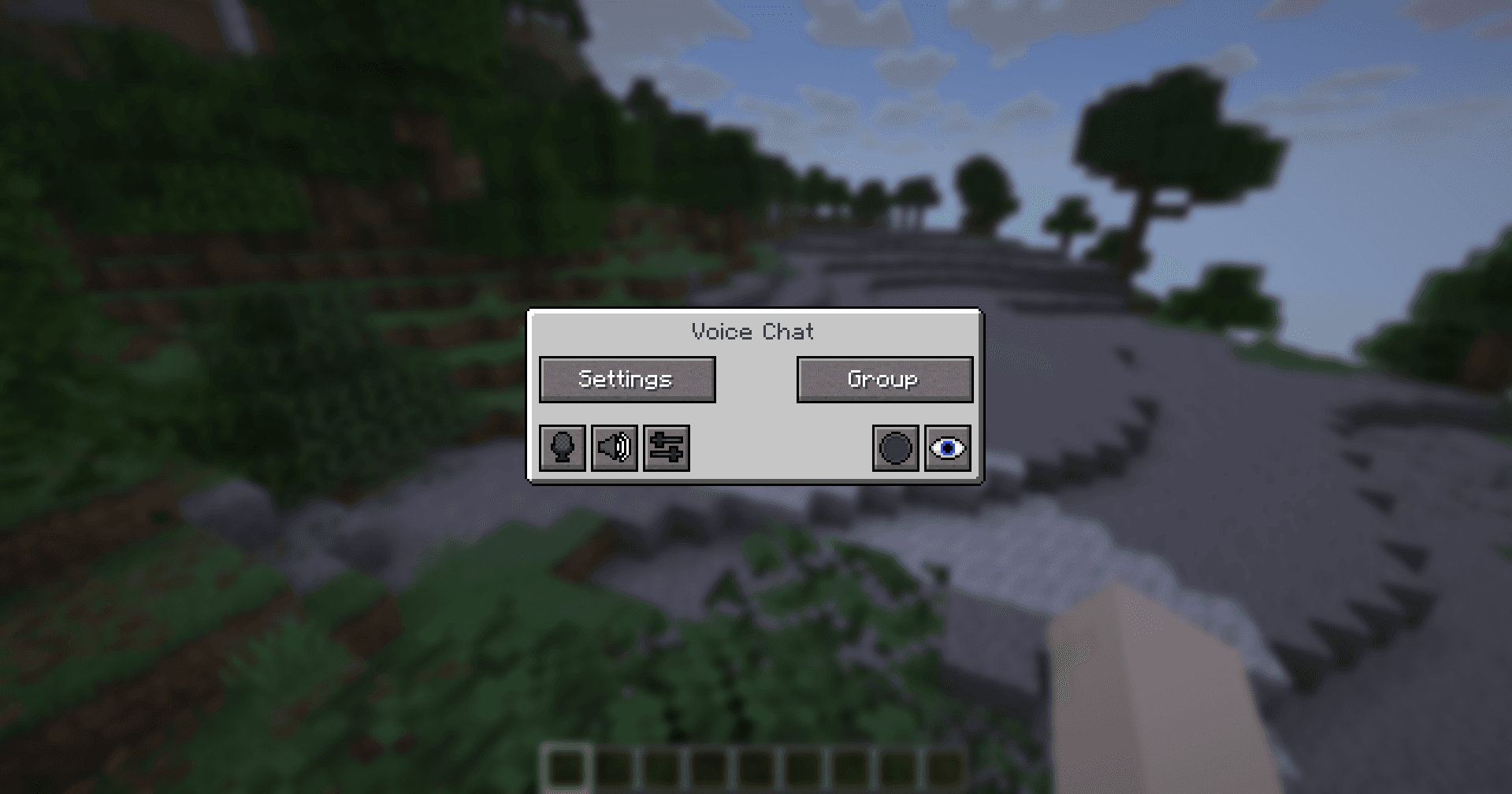
After done open minecraft and when in game press V
ID: Cara Menginstall Simple Voice Chat untuk server WkwkLand
Buka https://modrinth.com/plugin/simple-voice-chat/versions?version=26.2&loader=forge
Klik tombol download yang ada di pojok kanan atas
Pilih versi 26.2, dan platform yang kau pakai
Setelah selesai download pindahkan .jar ke folder minecraft mods biasanya di %APPDATA%.minecraft\mods untuk linux ~/.minecraft/mods/
Setelah selesai buka minecraft dan saat di in-game pencet V
For server information u can follow Here


